 617.938.6200
 What was once known as SkyDrive by Microsoft is now called OneDrive. However, the different name is not the only new feature introduced, and thanks to a few tricks and mobile apps, OneDrive is an efficient and updated version of its predecessor. Microsoft's online backup and syncing service is the most flexible and all-encompassing of its class, with syncing and access apps not only for PCs, but also for Macs, Androids, iOS, and Windows Phones. By comparison, Apple's competing iCloud is only available for Apple devices.

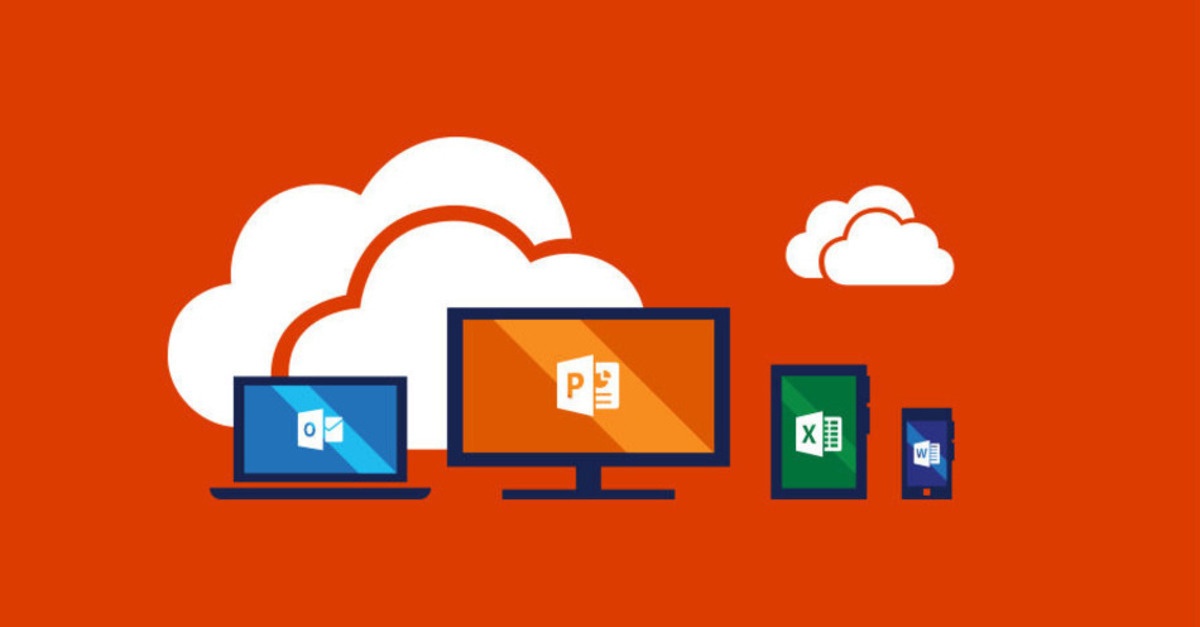
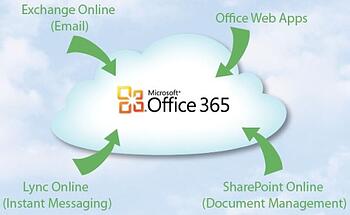 Office 365 is highly accessible and can support everything from a one-person business to companies with tens of thousands of users. Office 365, which is paid for on a subscription basis, monthly or annually, includes 3 main typologies of plans:
  In previous blog entries, the expression “cloud” has often been used, and as it has been already stated, it refers to a friendly way of describing web-based computing services that are hosted outside of an organization. This means that when an user has been provided with cloud-based services, the entire IT infrastructure is located outside its property, and hosted and maintained by a third party. This brief description allows me to introduce you to Office 365 as guest of honor of the following set of articles. In fact, Office 365 information storage, computation, and software are located and managed remotely on servers owned by Microsoft. Many services you use every day are a part of the cloud, and since its infrastructure is located online or "in the cloud," you can access them virtually anywhere, from a PC, tablet, smartphone, or other device with an Internet connection.